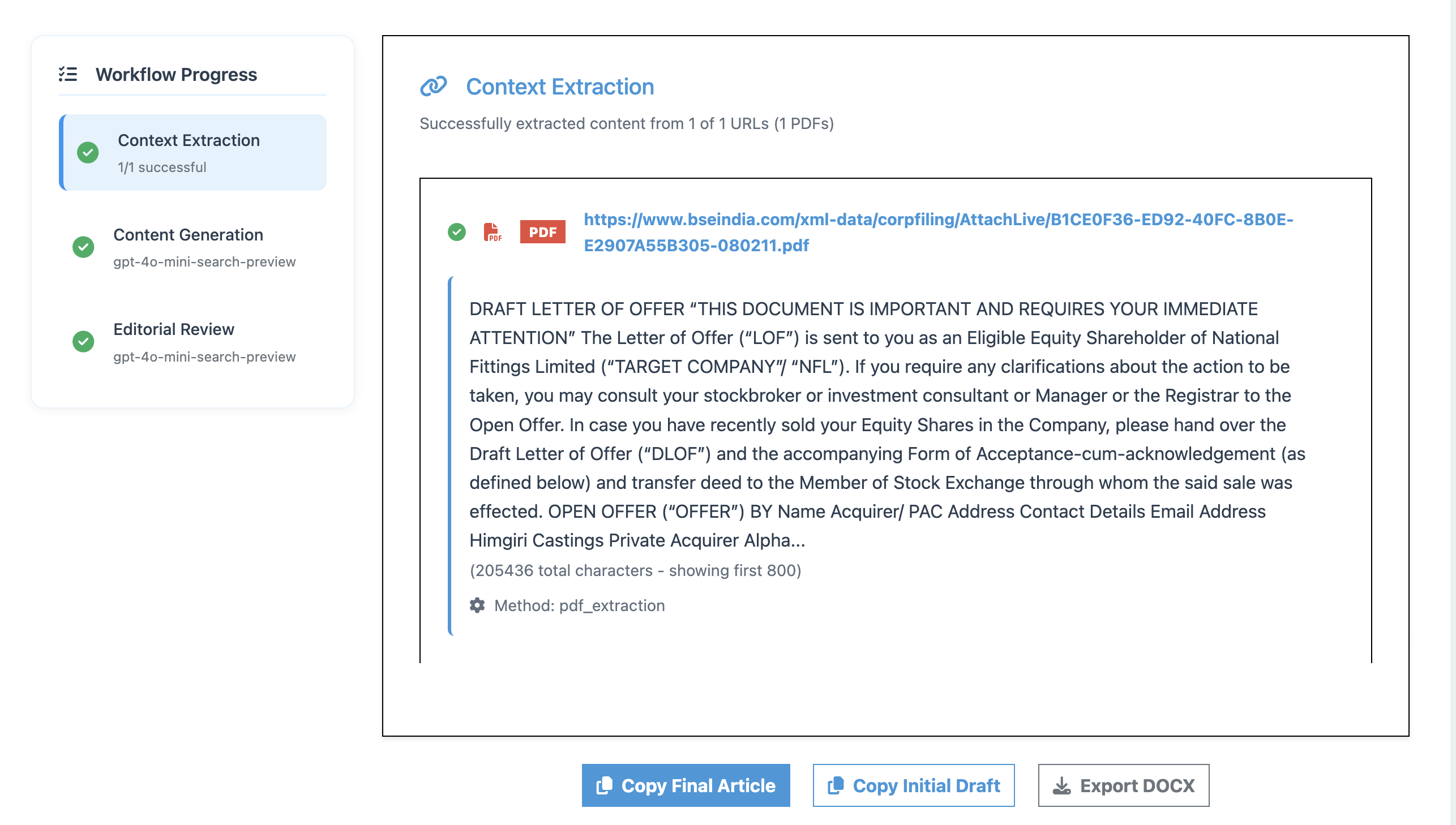
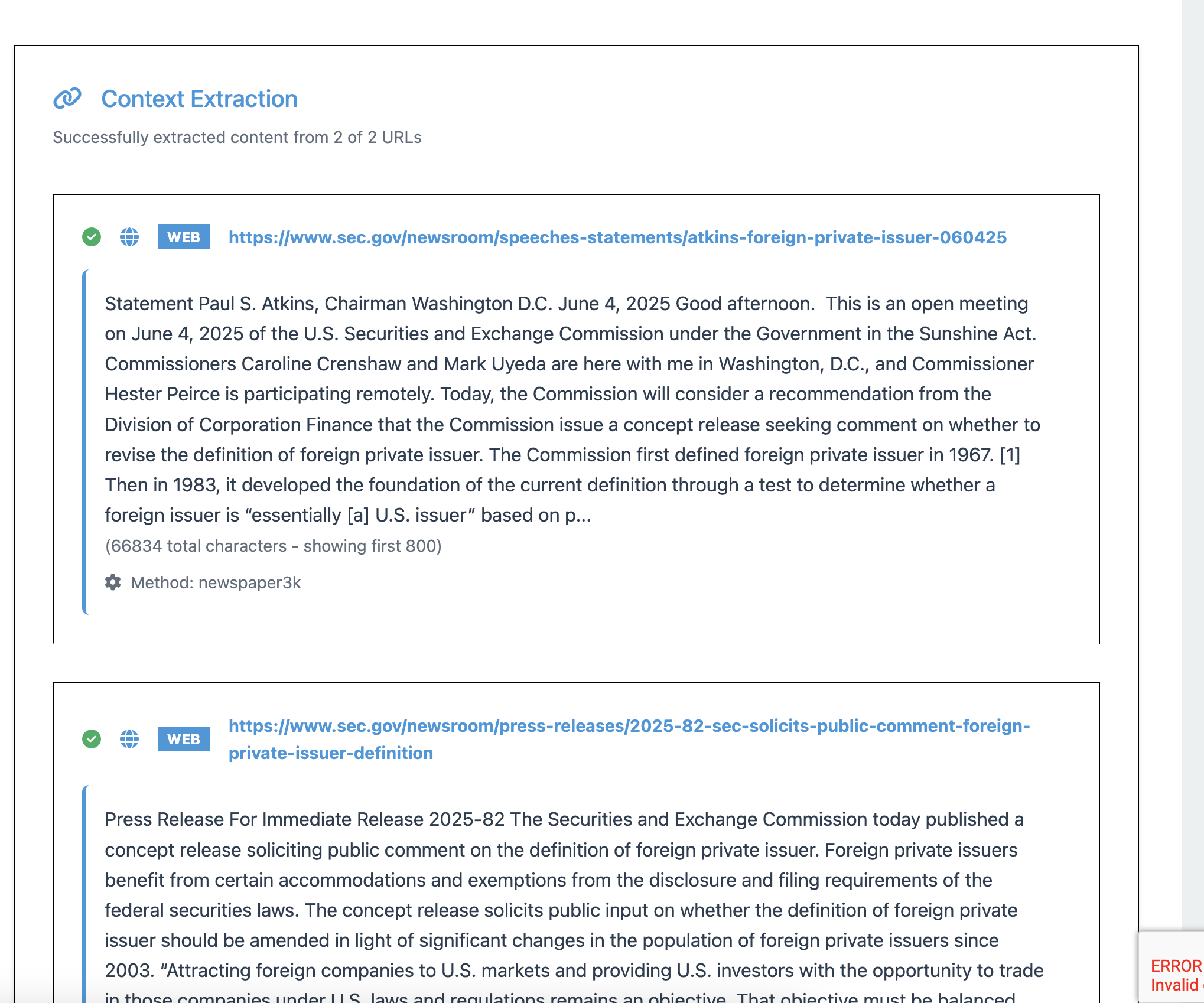
In the second public release, much of the behind-the-scenes functionality has been moved to the web interface for easier access and control.
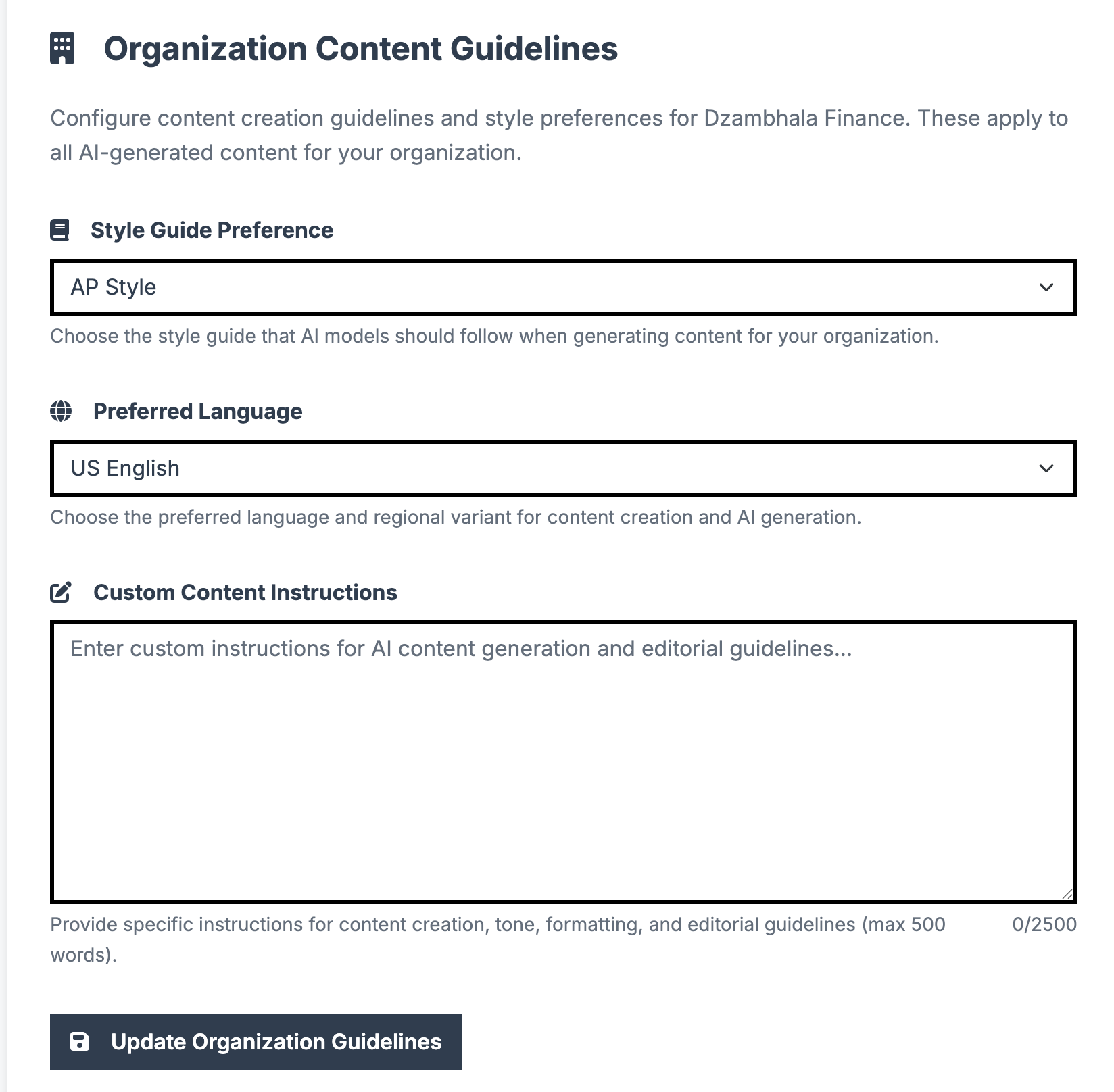
Set Organization-Level Content Preferences
Content generated across an organization often needs to follow specific rules, such as editorial guidelines, internal linking policies, and other custom requirements.
All user accounts associated with the organization will automatically adhere to these preferences.
Dashboard > Settings > Content Preferences
Note: This can only be edited by access level Senior Editor and above.
Give Feedback on the Go!
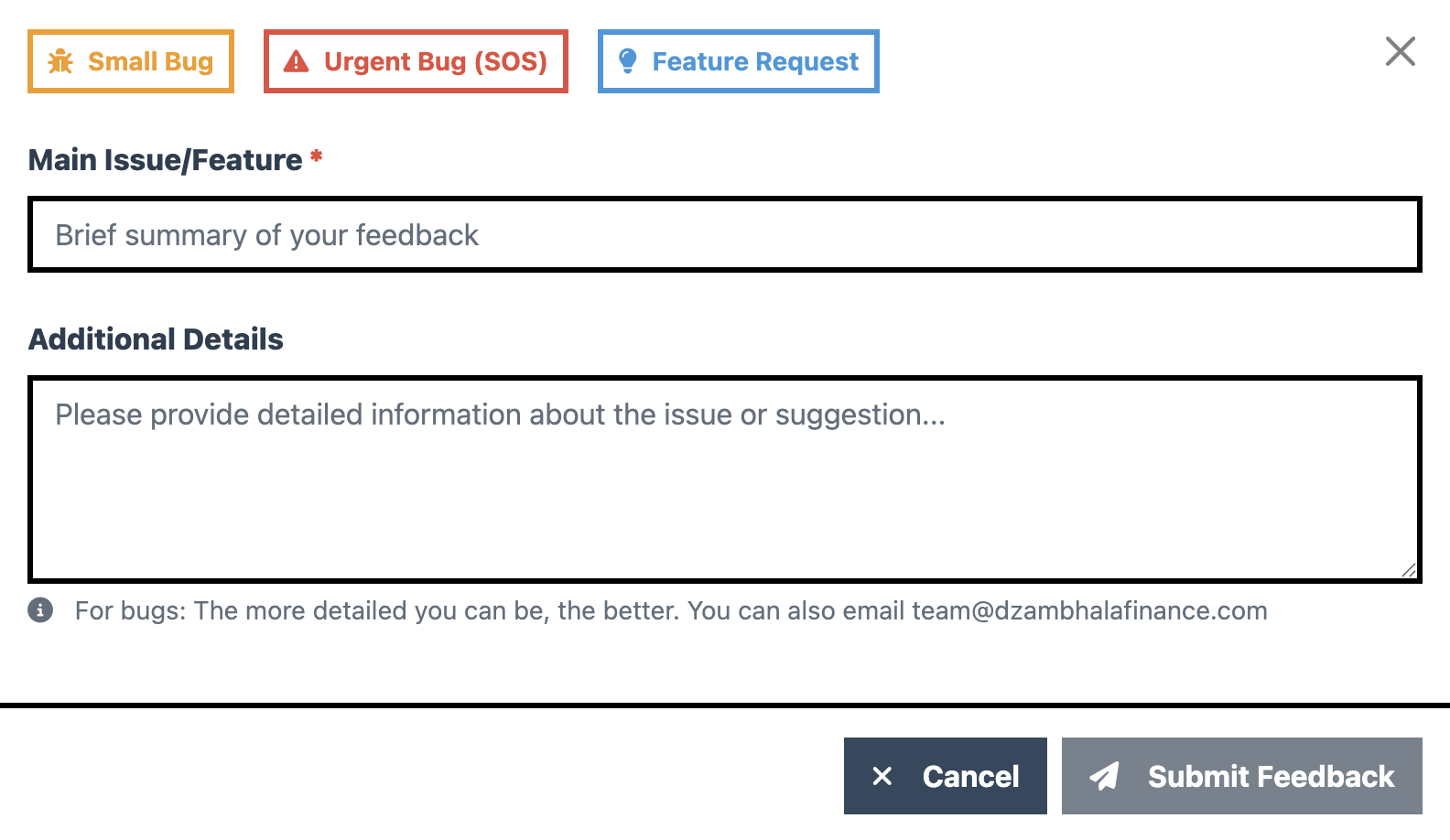
We have added the option to give quick feedback from your dashboard menu.
- Click on your name at the top right.
- Select "Give Feedback" from the dropdown. A modal would show up.
- Choose the type of feedback from between Small Bug, Urgent Bug or features suggestion
- Type in your text in the title box and, optionally, give additional details. Hit Submit.
UI Updates
We are adopting a neo-brutalism based theme for the entire webapp, customizing it in manner we see as more suited toward professionalism.
It is a css-light theme that fits more modern design-sense while not impacting the performance of the app, which remains the priority.
We will transform all UI to align with this theme in coming weeks.
Other Updates
- India companies and regulators feeds are now available for enterprise subscriptions.
- Text in Editor is now also viewable as "HTML" by switching the tab. This is mostly for niche use-cases. For the purpose of copying the rich-text in html format, it is still recommended to use the "Copy as HTML" button on the bottom toolbar.
Bug Fixes
- The content in Editor is no longer overlapping with the bottom tools bar, no matter how lengthy it gets.